Typing games
Short rounds that train real keys: speed, accuracy, rhythm and memory. Every game uses the same controls.
Recommended for you
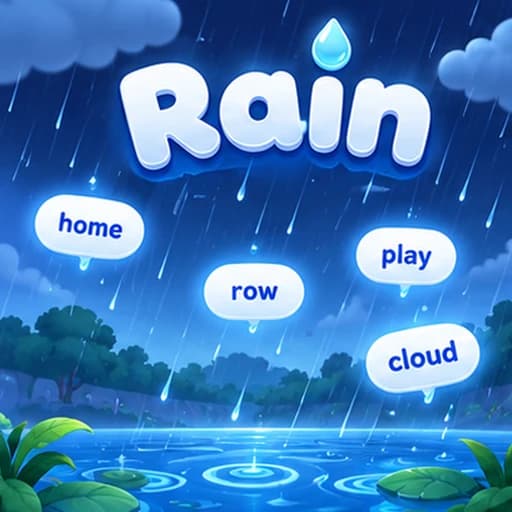
Rain
Words fall from the top of the screen like rain. Type each word before it reaches the bottom — the game speeds up as you progress.
Words · Type the falling words

Rain
Words · Type the falling wordsNot played yet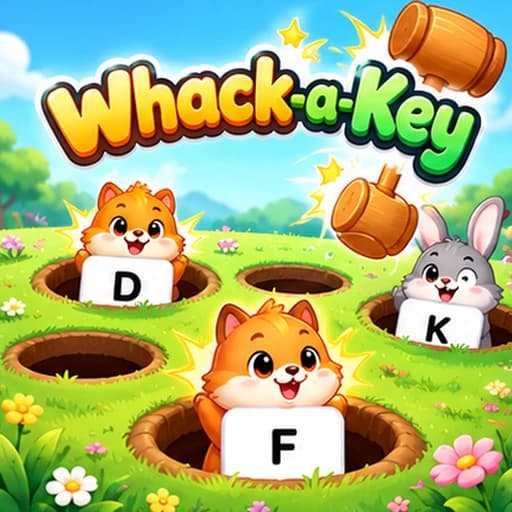
Whack-a-Key
Letters · Reflex-based key recognitionNot played yet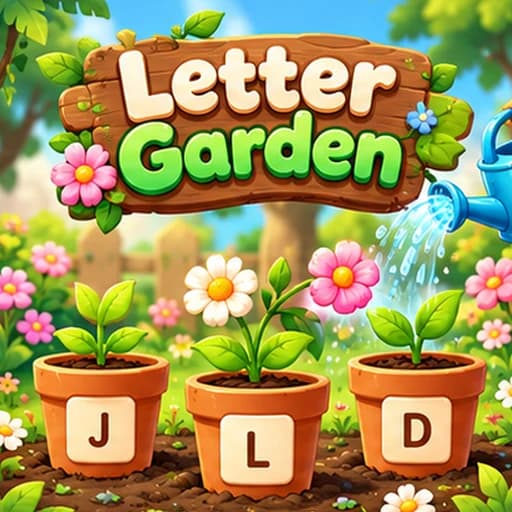
Letter Garden
Letters · Accuracy-focused key practiceNot played yet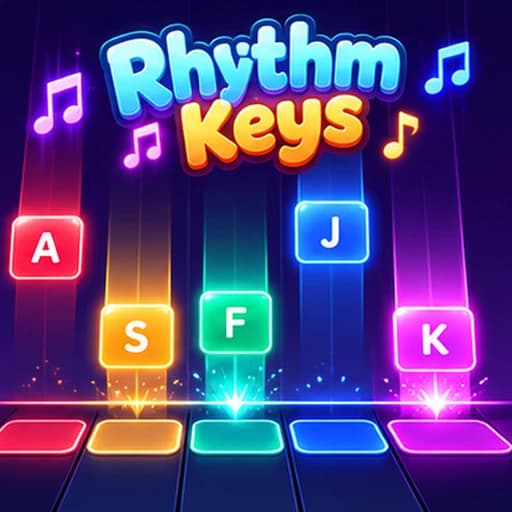
Rhythm Keys
Rhythm · Timing and rhythm typingNot played yet
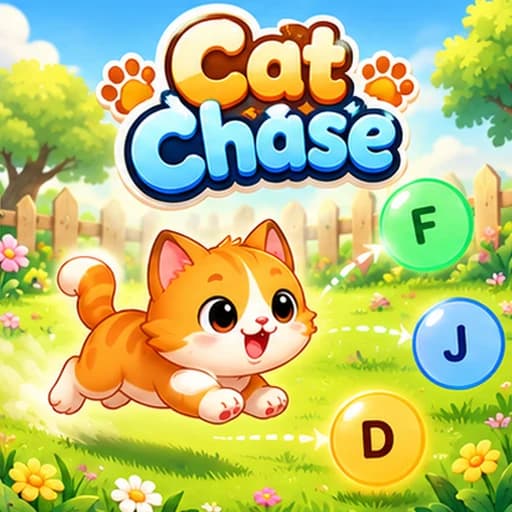
Cat Chase
Letters · Speed-based key matchingNot played yet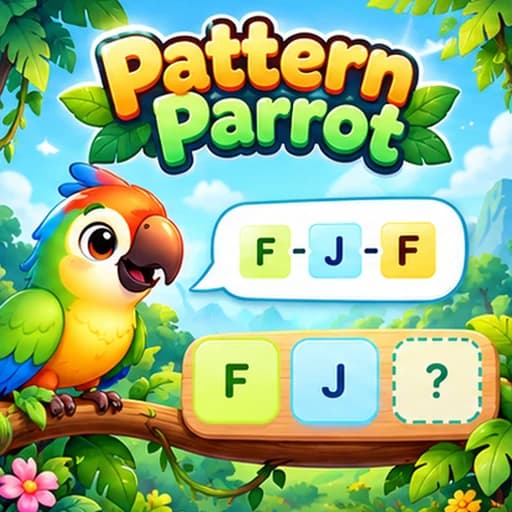
Pattern Parrot
Memory · Memory and pattern recallNot played yet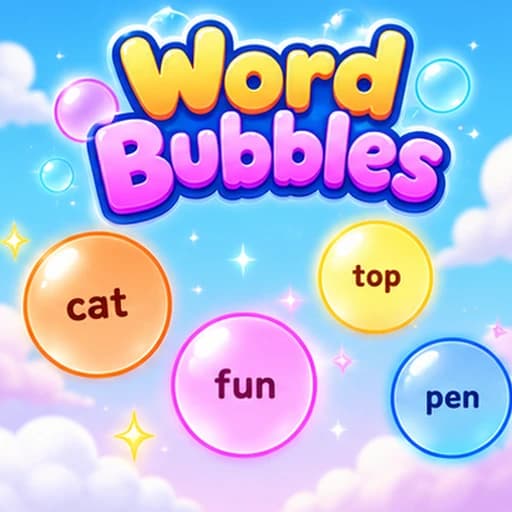
Word Bubbles
Words · Pop the word bubblesNot played yet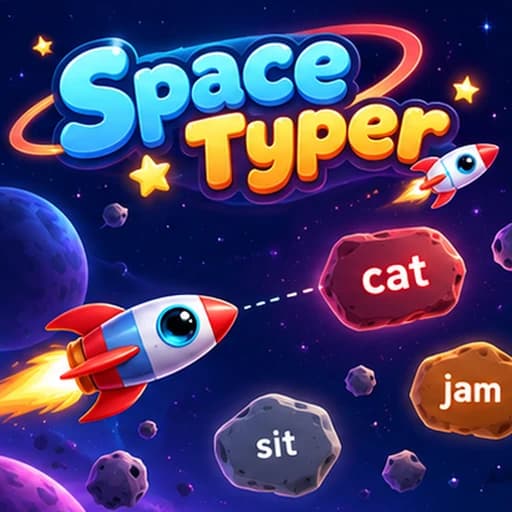
Space Typer
Words · Blast the asteroidsNot played yetWhat do you want to get better at?
Pick a skill — we’ll point you to the right gameRecommended games by age
Find the right games for your age group or skill level.
| Age group | Recommended games | Notes |
|---|---|---|
| Ages 5-7 | Letter Garden, Whack-a-Key (easy, 2-4 keys) | Simple key sets, gentle pace. Focus on letter recognition and basic key placement. |
| Ages 8-10 | Rain Game, Cat Chase, Whack-a-Key | Home row keys, short words. Builds core touch typing habits through play. |
| Ages 11-14 | All games at medium difficulty | Full home row and reach keys. Rhythm Keys and Pattern Parrot add variety. |
| Ages 15+ | Rain Game (hard), Cat Chase, Rhythm Keys | Full alphabet and beyond. Advanced key sets for speed and accuracy refinement. |
Frequently asked questions
Are these typing games really free?
Yes, our core typing games are completely free to play. No downloads or credit card required. Some advanced game features are available with a premium plan.
What age group are the typing games for?
Our games are designed for all ages. We have simpler games with larger text for young children (ages 5-8), medium-difficulty games for older kids and teens, and challenging speed games for adults looking to push their limits.
Do typing games actually improve typing speed?
Research shows that gamified practice increases engagement and retention. Players typically practice 3-4 times longer with games than with traditional drills. The combination of fun and repetition makes games an effective tool for improving typing speed and accuracy.
Can I play on a Chromebook or school laptop?
Yes. All our typing games run in the browser and work on any device with a physical keyboard, including Chromebooks, Windows laptops, and Macs. No installation is needed.
Can teachers use these games in the classroom?
Absolutely. Our Classroom Races feature is specifically designed for teachers. You can create a race, share a join code with students, and watch them compete in real time. It is a great way to make typing practice engaging for the whole class.
The Typing Cat is rated 4.1 out of 5 from 97,379 ratings