Two Approaches to the Same Keyboard
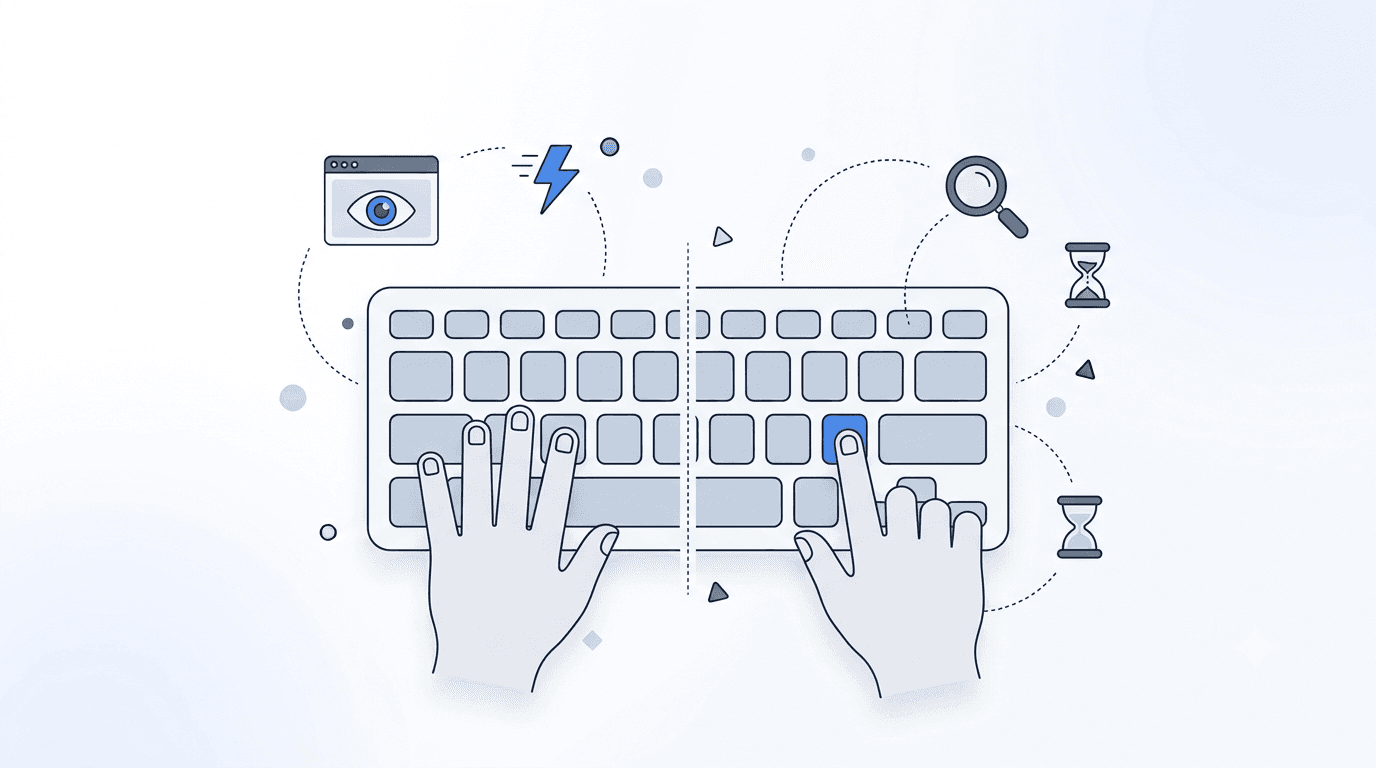
Walk into any office, classroom, or coffee shop and watch people type. You will immediately notice two distinct styles. Some people type with their eyes fixed on the screen, all ten fingers dancing across the keyboard in a fluid motion. Others look down at the keyboard, using one or two fingers from each hand to search for and press each key individually. The first group are touch typists. The second group are using what is commonly called the hunt-and-peck method.
Both approaches get the job done. Both produce text on the screen. But the differences between them in terms of speed, accuracy, physical health, and long-term productivity are substantial. This article provides a thorough, evidence-based comparison to help you understand the trade-offs and decide whether making the switch from hunt-and-peck to touch typing is worth the effort.
How Touch Typing Works
Touch typing is a method where all ten fingers are assigned specific keys on the keyboard. The fingers rest on the home row (ASDF JKL;) and reach from that position to press other keys. The typist does not look at the keyboard; instead, they rely entirely on muscle memory to find the correct keys. Each finger's movement becomes automatic through practice, much like how a pianist's fingers find the right notes without conscious thought.
Touch typing was developed for mechanical typewriters in the late 1800s and has remained the standard professional typing method ever since. The QWERTY keyboard layout itself was designed with touch typing in mind, distributing common letter combinations across both hands to enable alternating keystrokes and faster typing.
How Hunt and Peck Works
Hunt-and-peck typing, also called "search and peck" or two-finger typing, involves visually locating each key on the keyboard before pressing it. Typists typically use their index fingers, sometimes supplemented by their middle fingers or thumbs, to press keys. The eyes constantly shift between the screen and the keyboard.
Hunt-and-peck requires no formal training. Most people who have never taken a typing class develop some version of this method through casual keyboard use. Over time, many hunt-and-peck typists memorize the locations of frequently used keys and develop surprisingly fast typing speeds, particularly for short bursts.
Speed Comparison: The Numbers
Average Speeds
Research consistently shows a significant speed gap between the two methods:
- Average hunt-and-peck speed: 20-35 WPM
- Average touch typing speed: 50-70 WPM
- Skilled touch typists: 80-120+ WPM
- Fastest hunt-and-peck typists: 40-50 WPM (exceptional cases)
The fastest hunt-and-peck typists can match the speed of average touch typists, which is sometimes cited as evidence that the method does not matter. However, this comparison is misleading. It compares the ceiling of one method with the floor of another. A hunt-and-peck typist at 45 WPM has essentially maxed out their speed potential, while a touch typist at 45 WPM has significant room for growth.
Speed Ceiling
The fundamental limitation of hunt-and-peck typing is that it requires visual processing for each keystroke. The eyes must find the key, send the information to the brain, which then commands the finger to move. This visual search loop creates a bottleneck that limits maximum typing speed regardless of how well the typist knows the keyboard.
Touch typing eliminates this bottleneck by making key location automatic. Because the fingers know where to go without conscious direction, the limiting factor becomes how fast the fingers can physically move, not how fast the eyes can search. This is why touch typing has a much higher speed ceiling.
Sustained Speed vs. Burst Speed
Hunt-and-peck typists often achieve their best speeds in short bursts, typing familiar words or phrases quickly before slowing down for less common text. Touch typists maintain more consistent speeds over longer periods because their method does not depend on text familiarity to the same degree. Over the course of typing a full document, the sustained speed advantage of touch typing is even more pronounced than instantaneous speed comparisons suggest.
Accuracy Comparison
Touch typing generally produces higher accuracy than hunt-and-peck for several reasons:
- Eyes on screen: touch typists see errors immediately as they appear on screen and can correct them in real time. Hunt-and-peck typists, whose eyes are often on the keyboard, may type several words before noticing an error on screen.
- Consistent finger paths: each key is always pressed by the same finger via the same movement, creating reliable muscle memory. Hunt-and-peck typists may approach the same key from different angles depending on where their fingers happen to be.
- Reduced cognitive load: because key location is automatic for touch typists, more mental resources are available for proofreading and content creation. Hunt-and-peck typists use significant cognitive resources just finding keys.
That said, accuracy for both methods improves with practice. A dedicated hunt-and-peck typist who has used the same keyboard for years may have excellent accuracy for common words. But overall, the systematic approach of touch typing produces more reliable accuracy across a wider range of text.
Cognitive Load and Multitasking
The Divided Attention Problem
One of the most significant but often overlooked advantages of touch typing is the reduction in cognitive load. When you type using hunt-and-peck, your brain is simultaneously trying to compose thoughts, locate keys on the keyboard, and monitor the screen for errors. This multitasking divides your attention and reduces the quality of each task.
Touch typists experience something closer to what psychologists call "automaticity": the physical act of typing requires so little conscious attention that the brain is free to focus almost entirely on the content being typed. This is similar to how experienced drivers can carry on conversations while driving; the physical mechanics of operating the vehicle have become automatic.
Impact on Writing Quality
Research suggests that when the physical act of typing requires less attention, the quality of written output improves. Writers who touch type report that their thoughts flow more naturally onto the screen, with less disruption from the mechanical process of getting words into the computer. Hunt-and-peck typists are more likely to lose their train of thought while searching for a key, leading to choppy, less coherent writing.
This matters for anyone who writes regularly: students composing essays, professionals drafting reports or emails, journalists working under deadline, and developers writing documentation. A typing assessment can help you understand how your current typing method affects your cognitive efficiency.
Physical Health Considerations
Ergonomic Impact of Each Method
Touch typing distributes the work of typing evenly across all ten fingers, reducing the repetitive load on any single finger. The hands maintain a relatively stable position over the keyboard, minimizing unnecessary movement. This balanced workload is healthier for the muscles and tendons in the hands and forearms.
Hunt-and-peck typing concentrates the work on just two to four fingers, which perform far more repetitions per finger than in touch typing. The hands and wrists move much more, as the typist repositions their hands to reach different areas of the keyboard. This increased movement and concentrated workload creates higher risk for repetitive strain injuries.
Neck and Eye Strain
Hunt-and-peck typists must constantly shift their gaze between the keyboard and the screen. This repetitive head and eye movement can contribute to neck strain and eye fatigue over long typing sessions. Touch typists keep their gaze fixed on the screen, which allows for a more stable head position and less eye movement.
The Learning Curve: What It Takes to Switch
The Temporary Slowdown
The biggest barrier to switching from hunt-and-peck to touch typing is the temporary speed decrease. When you first start using touch typing technique, you will be dramatically slower than your accustomed hunt-and-peck speed. This can be frustrating, especially if you need to type productively for work or school.
The severity and duration of this slowdown depends on your starting speed and how consistently you practice. Most people experience a significant dip for two to four weeks, followed by gradual improvement. Within six to twelve weeks of consistent practice, most former hunt-and-peck typists match or exceed their previous speed, and the improvement continues from there.
Strategies for Managing the Transition
Several strategies can make the transition less painful:
- Dedicated practice time: practice touch typing for 15-30 minutes daily using a structured typing course, but use your old method for time-sensitive work during the transition period.
- Gradual integration: start using touch typing for low-pressure tasks like personal emails, chat messages, and journal entries before applying it to professional work.
- Cold turkey approach: some people prefer to commit fully, using touch typing for everything from day one. This produces faster learning but requires tolerance for temporary slowness.
- Set a timeline: commit to the transition for a specific period, such as 30 days, before evaluating. This prevents the temptation to give up too early.
Is It Worth the Effort?
Consider the math. If you currently type at 30 WPM and switching to touch typing eventually gets you to 60 WPM, you have doubled your typing speed. Over a career that involves thousands of hours of typing, that speed increase translates into enormous time savings. The few weeks of reduced productivity during the transition are a tiny investment compared to the years of increased efficiency that follow.
Common Myths Debunked
Myth: Some People Are Just Not Wired for Touch Typing
Almost anyone with normal hand function can learn to touch type. It is not a talent; it is a skill developed through practice. People who believe they "cannot" learn touch typing have usually either never tried or gave up during the initial difficulty period.
Myth: Hunt and Peck Is Good Enough If You Are Fast
Even fast hunt-and-peck typists are working harder than they need to. A hunt-and-peck typist at 40 WPM is exerting significantly more physical and cognitive effort than a touch typist at the same speed. The touch typist also has room to grow to 60, 80, or even 100 WPM, while the hunt-and-peck typist is near their ceiling.
Myth: Touch Typing Is Only for Secretaries and Data Entry Clerks
In a world where virtually everyone uses a computer daily, touch typing is a universal productivity skill. Students, software developers, writers, managers, researchers, and virtually every other professional who uses a keyboard benefits from touch typing. It is no more a specialty skill than being able to read quickly or write legibly.
Myth: It Is Too Late to Learn if You Are an Adult
Adults can and do learn touch typing successfully. While children may pick it up slightly faster due to neuroplasticity, adults benefit from greater motivation, discipline, and cognitive ability to understand the methodology. Many adults report learning functional touch typing in four to eight weeks of consistent practice.
Making the Decision
If you are currently a hunt-and-peck typist, the question is not whether touch typing is better; the evidence clearly favors it on every dimension. The real question is whether the short-term cost of switching is worth the long-term benefit. For most people, the answer is an unequivocal yes.
Consider how much typing you do daily. If you type for more than 30 minutes a day, the productivity gains from touch typing will be substantial. If you expect to use a keyboard regularly for years to come (which most people do), the cumulative benefit over time is enormous.
Conclusion: The Evidence Is Clear
Touch typing is faster, more accurate, less physically demanding, and more cognitively efficient than hunt-and-peck typing. The only advantage of hunt-and-peck is that it requires no training, but that advantage is temporary and small compared to the lasting benefits of touch typing.
If you are ready to make the switch, start with a typing assessment to establish your baseline, then enroll in a structured touch typing course that will guide you through the transition systematically. Within a few weeks, you will be typing faster, more comfortably, and with less effort than ever before.