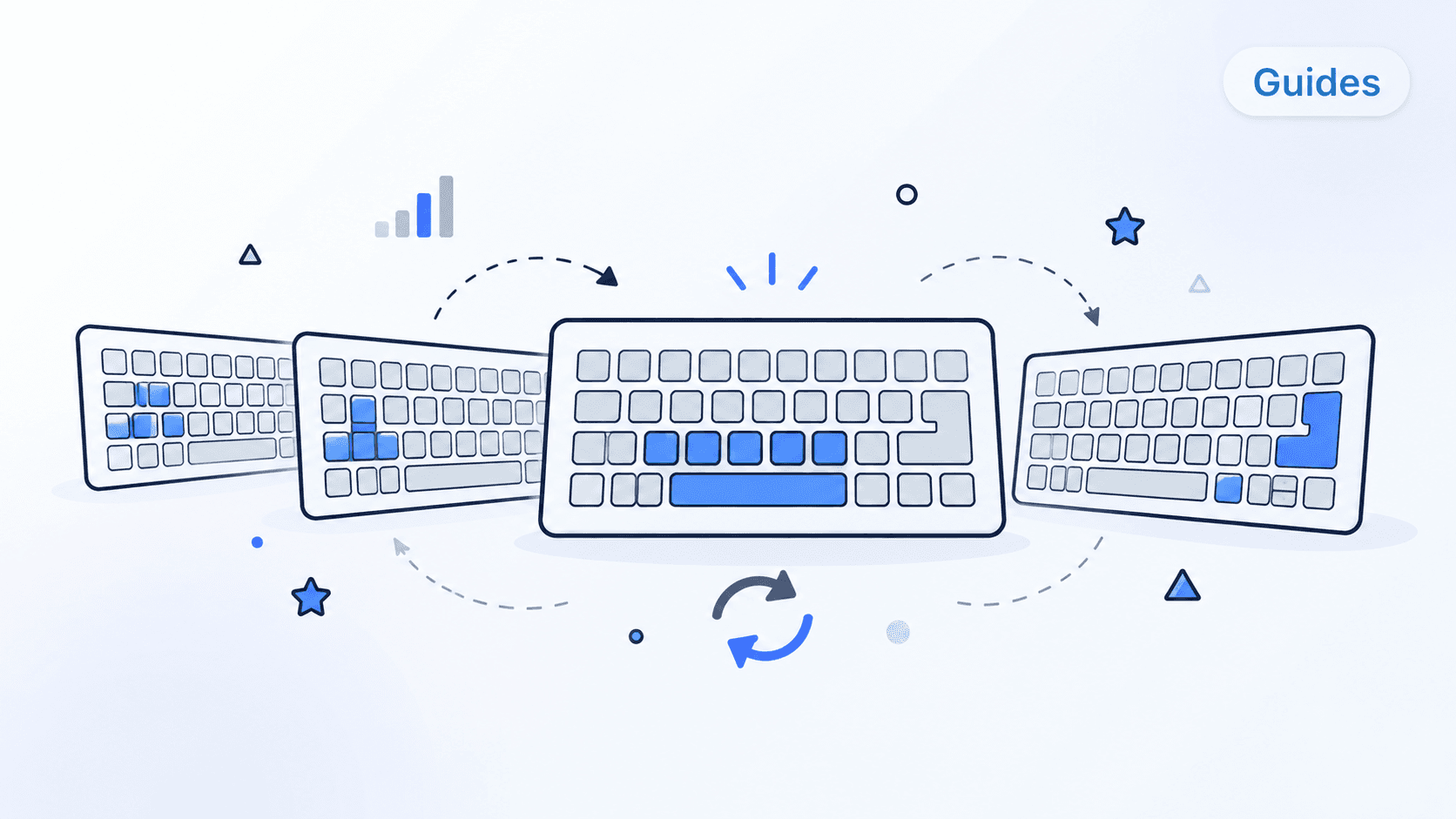
Why Learn Typing Online?
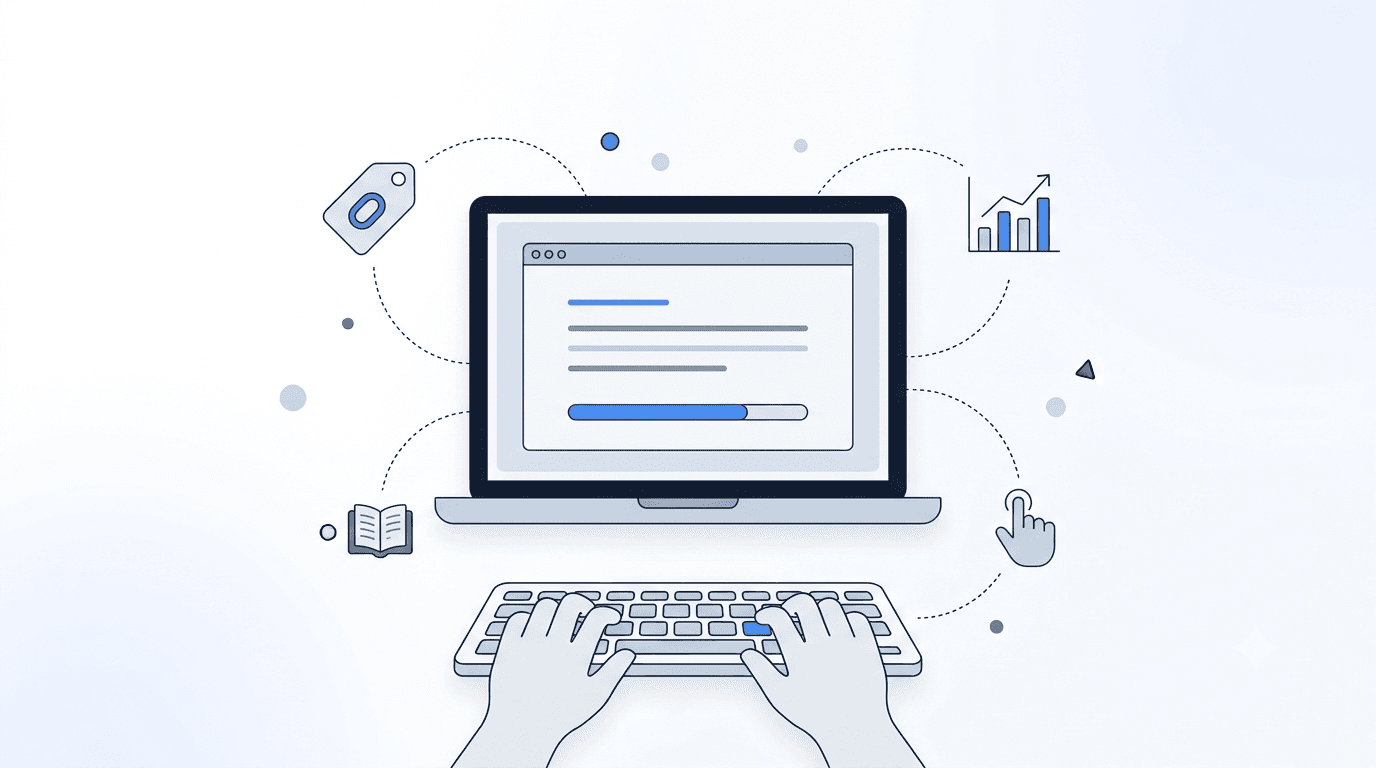
Online typing lessons have transformed how people learn to type. Gone are the days when learning to type required a classroom, a typing teacher, and a row of identical typewriters. Today, anyone with a computer and an internet connection can access structured typing instruction at any time, from anywhere. This accessibility has made typing education available to millions of people who might never have had the opportunity otherwise.
Free online typing lessons have a particular appeal. They eliminate the financial barrier to learning a skill that has become essential in the modern world. Students, job seekers, career changers, and anyone looking to improve their productivity can begin learning immediately without paying a cent. But the sheer number of free options available can be overwhelming, and the quality varies enormously from one program to another.
This guide helps you navigate the landscape of free online typing education. We cover what to look for in a quality program, how to structure your learning for maximum effectiveness, and how to determine when a free program is sufficient and when investing in a premium option makes sense.
What to Look for in Free Typing Lessons
Structured Curriculum
The most important feature of any typing program, free or paid, is a well-structured curriculum. Learning to type is a sequential process. You need to master the home row before adding the top and bottom rows. You need solid letter typing before tackling numbers and symbols. You need reasonable accuracy before focusing on speed.
A quality free typing program should offer:
- Sequential lessons: a clear progression from basics to advanced skills
- Home row focus: dedicated initial lessons for the home row keys
- Gradual key introduction: new keys introduced one or two at a time with practice exercises
- Review and reinforcement: periodic review of previously learned keys and patterns
- Accuracy gates: requirements to achieve minimum accuracy before advancing
Programs that simply present random text for typing practice without a structured progression are better classified as typing tests or practice tools than typing lessons. They can be useful for maintaining and improving existing skills, but they are not ideal for learning touch typing from scratch.
Real-Time Feedback
Effective typing lessons provide immediate feedback on every keystroke. When you press the right key, you should know it instantly. When you press the wrong key, you should see the error immediately so your brain can register the mistake and adjust. This real-time feedback loop is essential for building correct muscle memory.
Look for programs that show:
- Visual highlighting of correct and incorrect keystrokes
- On-screen keyboard showing which finger to use for each key
- Real-time WPM and accuracy display during exercises
- End-of-lesson summaries with detailed performance data
Visual Finger Guides
For beginners, a visual representation of the keyboard with highlighted finger assignments is extremely helpful. This guide shows you which finger should press which key, reinforcing proper technique from the start. Many free programs include a virtual keyboard display that highlights the correct finger and key as you type.
The best programs include finger guides that you can toggle on and off. Early in your learning, you will reference the guide frequently. As your muscle memory develops, you should be able to turn off the guide and rely on your fingers' knowledge of the keyboard.
Progress Tracking
Even in a free program, basic progress tracking is important for motivation and self-assessment. At minimum, you should be able to see your WPM and accuracy for each lesson, along with a record of which lessons you have completed. More advanced tracking features include graphs of your speed improvement over time, identification of your weakest keys, and comparison of your performance across different lesson types.
No Mandatory Account Creation
Some free programs require you to create an account before you can access any content. While account creation allows progress tracking and personalization, programs that let you start immediately without an account provide a lower barrier to entry. The best approach is programs that let you try lessons immediately but offer optional account creation for those who want to save their progress.
How Free and Paid Typing Programs Differ
Content Depth
Free typing programs typically offer a basic set of lessons covering the standard keyboard. Paid programs often include additional content such as specialized courses for specific professions, advanced speed-building exercises, custom text practice, and content in multiple languages. If you need specialized training, such as legal or medical terminology practice, you will likely need a paid program.
Personalization and Adaptive Learning
One of the biggest differences between free and paid programs is the level of personalization. Free programs typically offer a fixed sequence of lessons that every user follows in the same order. Paid programs often include adaptive algorithms that analyze your performance and customize the lesson sequence, exercise difficulty, and practice focus to your specific strengths and weaknesses.
This personalization can significantly accelerate learning because it ensures you spend your practice time on the skills that need the most work, rather than repeating exercises you have already mastered.
Gamification and Engagement
Paid programs tend to invest more in engagement features like typing games, achievement systems, competitive leaderboards, and visual themes. These features do not directly teach typing, but they make practice more enjoyable and help maintain the daily practice habit that is essential for skill development. Some free programs include basic gamification, but the depth and polish are usually greater in paid offerings.
Support and Community
Paid programs often include access to support resources, community forums, and sometimes live instruction. Free programs typically offer content without personalized support. For self-motivated learners who can troubleshoot their own technique issues, this may not be a significant limitation. For learners who benefit from guidance and community, the support offered by paid programs can be valuable.
Structuring Your Free Typing Education
Phase 1: Learning the Keys (Weeks 1-3)
Your first priority is learning the physical locations of all keys and the proper finger assignments. Use a program with a structured curriculum that begins with the home row and progressively introduces new keys. During this phase:
- Practice 15-20 minutes daily
- Focus entirely on accuracy, not speed
- Use the on-screen keyboard guide if available
- Do not skip ahead; master each lesson before moving on
- Resist the urge to look at your physical keyboard
The Typing Cat offers structured courses that guide you through this phase with proper pedagogy, starting with the home row and building systematically. The beginner course provides the ideal foundation for new touch typists.
Phase 2: Building Fluency (Weeks 4-8)
Once you can type all keys without looking, shift your focus to building fluency and speed. During this phase:
- Continue daily practice of 15-30 minutes
- Type real-world text: emails, messages, notes, and documents
- Take regular speed tests to measure progress
- Identify and specifically practice your weakest keys
- Begin incorporating typing games for engagement and speed building
Phase 3: Speed Development (Weeks 9+)
With solid technique and reasonable fluency, you can begin focused speed development. During this ongoing phase:
- Alternate between accuracy-focused and speed-focused practice
- Use timed exercises and speed tests regularly
- Practice with a variety of text types to build versatility
- Set realistic speed goals and work toward them incrementally
- Continue daily practice, even if sessions are shorter
Common Pitfalls with Free Typing Programs
Bouncing Between Programs
With so many free options available, it is tempting to jump from one program to another, especially when you hit a challenging phase or get bored. This hopping is counterproductive because different programs may teach keys in different orders, use different finger assignments for edge cases, or progress at different rates. Choose one program and stick with it through the complete curriculum before considering a switch.
Skipping Fundamentals
Free programs make it easy to skip ahead to more interesting exercises, bypassing the foundational home row lessons. This temptation is especially strong for people who already type using hunt-and-peck and feel like they "already know" the keyboard. But skipping fundamentals leads to technique gaps that become harder to fix as speed increases. Spend the time on the basics even if they feel too simple.
Practicing Without Purpose
Some free typing programs are essentially just text displays that let you type whatever appears on screen. Without structured lessons, progress tracking, or performance feedback, this kind of practice is inefficient. Make sure whatever program you use provides a clear learning structure and meaningful feedback on your performance.
Neglecting Accuracy for Speed
Free speed tests and typing games can create a focus on WPM numbers at the expense of accuracy. It feels good to see a high WPM score, but if your accuracy is below 95%, those extra words per minute are illusory. Many of them represent errors that need to be corrected. Always prioritize accuracy and let speed develop naturally on top of a foundation of correct keystrokes.
When Should You Upgrade to a Paid Program?
Free typing programs are excellent for learning the basics and building initial proficiency. However, you might consider upgrading to a paid program if:
- You want adaptive learning: personalized lesson sequences that respond to your specific performance patterns
- You need specialized content: coding-specific exercises, professional terminology, or multilingual training
- You are teaching multiple students: teacher dashboards, class management, and student tracking features
- You want advanced analytics: detailed performance breakdowns, weakness identification, and improvement recommendations
- Gamification motivates you: richer game-based practice options keep you engaged through longer learning periods
The Typing Cat offers a generous free tier that includes the core typing curriculum, and premium plans that add advanced features for learners who want to accelerate their progress. You can start free and upgrade when you are ready.
Making the Most of Free Resources
Combine Multiple Resources Strategically
While you should stick with one program for your core curriculum, you can supplement it with other free resources. Use one program for structured lessons and another for speed tests. Add a typing game for variety. Read articles about typing technique for tips and motivation. The key is to have a primary program for structure and supplementary resources for enrichment.
Set Concrete Goals
Free programs often lack the goal-setting features of paid programs, so create your own goals. Examples include:
- Complete one lesson per day for 30 consecutive days
- Reach 40 WPM with 95% accuracy within 6 weeks
- Type all home row keys without looking by the end of week 1
- Use touch typing for all personal emails by the end of month 2
Write your goals down and track your progress. This self-directed approach compensates for the lack of built-in motivation features in many free programs.
Create Accountability
Find a practice partner, join an online community, or simply tell a friend about your typing learning goal. External accountability helps maintain the daily practice habit, which is the single most important factor in learning to type. Some people find that tracking their daily practice streak provides sufficient motivation; others need social accountability.
Conclusion: Start Now, Upgrade Later
Free typing lessons online provide a genuine path to touch typing proficiency. With the right program, consistent practice, and a structured approach, you can learn to touch type without spending a penny. The quality of free programs has improved dramatically in recent years, and there is no financial reason to delay learning this essential skill.
Start with The Typing Cat's free typing courses to build your foundation. As your skills grow, you will naturally discover whether the free resources meet your needs or whether a premium upgrade would accelerate your progress. Either way, the most important step is the first one. Create your free account and begin your typing journey today.